
Download a-squared Free – Malware Protection, Security Tool, Anti-Spyware
Overview
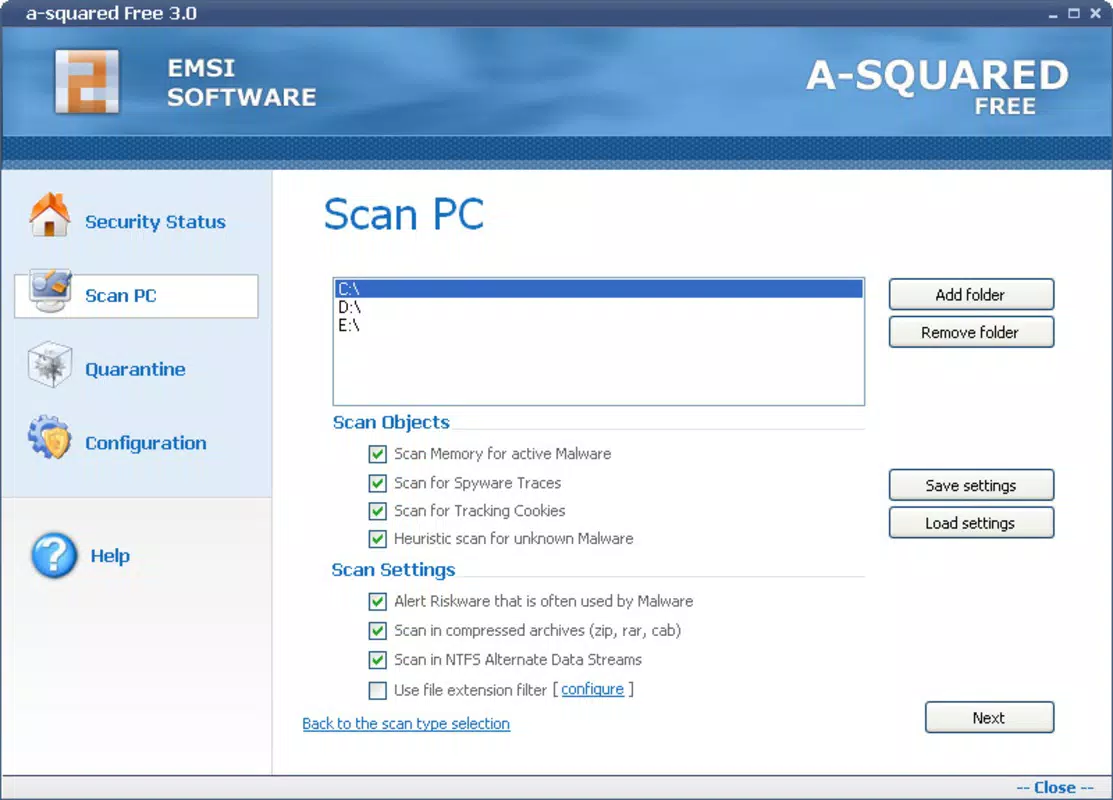
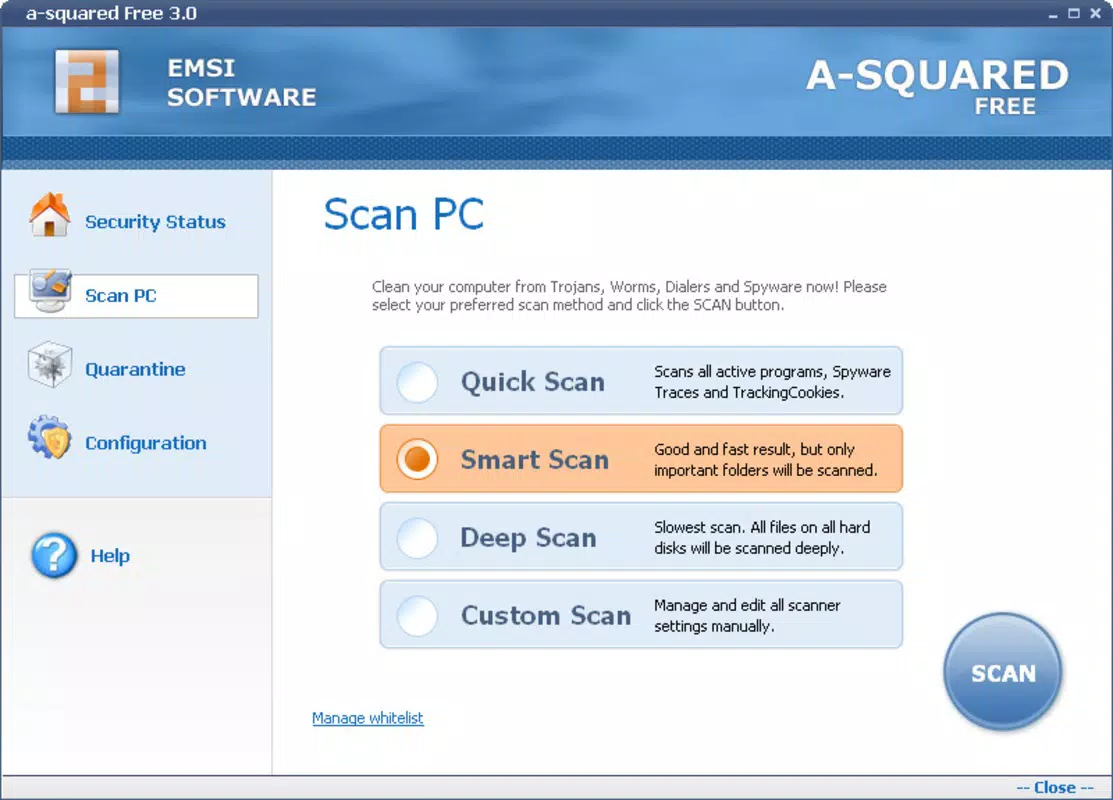
- Multiple Scan Options: The app supports four distinct scanning modes—Quick, Normal, Deep, and Custom—each tailored to different user needs. A Quick scan efficiently checks critical system areas, ideal for routine checks. A Normal scan examines the entire system with standard depth, while a Deep scan performs an exhaustive analysis, including hidden and system-protected files. The Custom scan allows users to select specific folders, file types like ZIP archives, or even memory regions for targeted inspection.
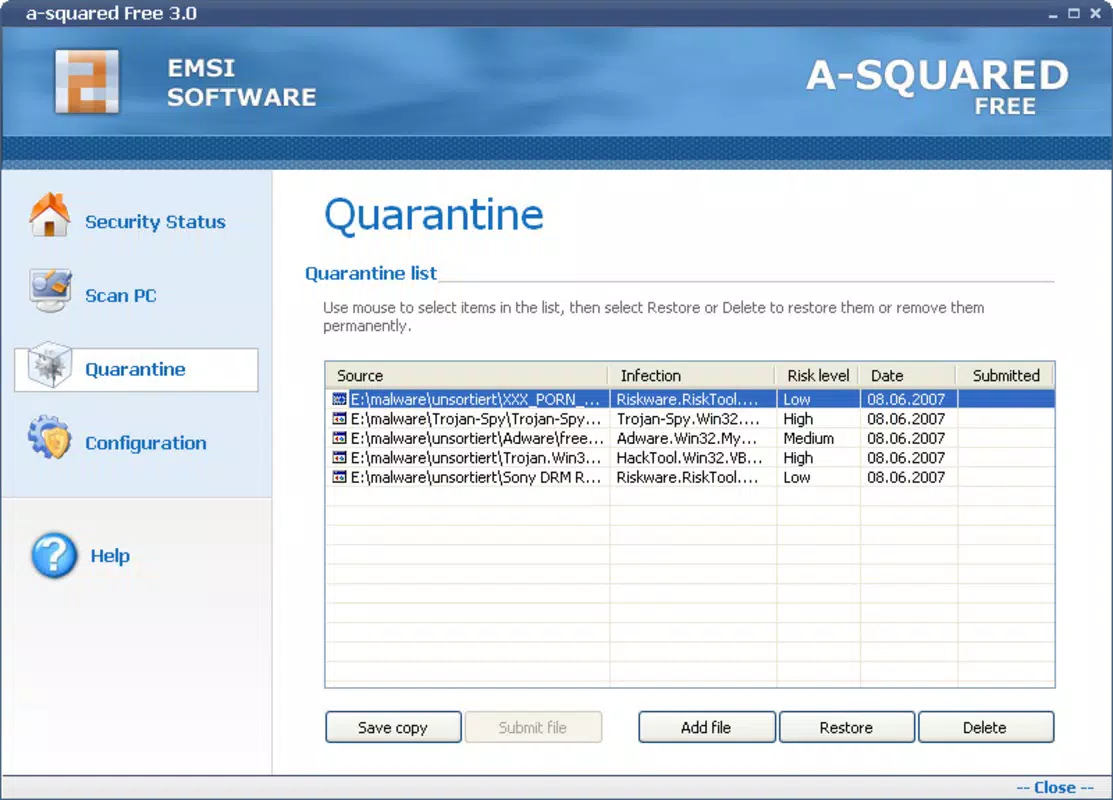
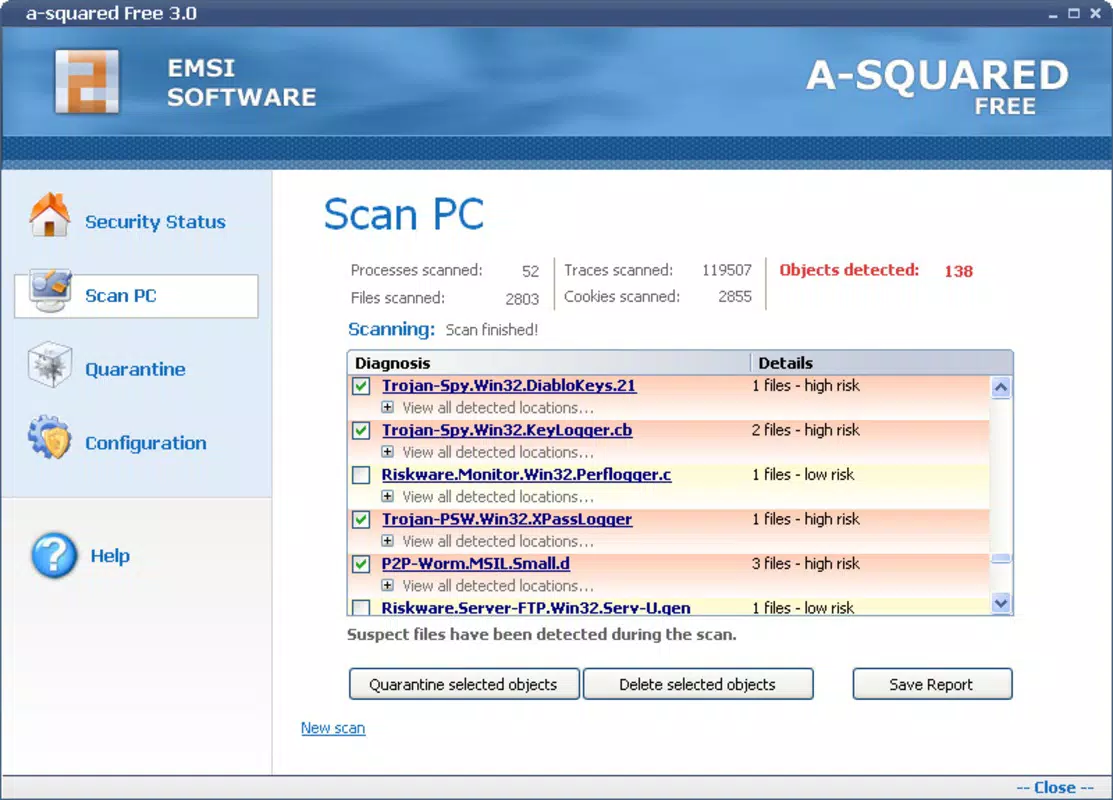
- In-Depth Reporting: Upon detecting threats, a-squared Free generates comprehensive reports detailing the infection source, threat type, detection date, and danger level. This transparency enables users to understand the nature of the risk and take informed actions, such as quarantine or removal.
- User-Friendly Interface: Designed with accessibility in mind, the interface is intuitive and easy to navigate. Even users with limited technical knowledge can initiate scans, interpret results, and adjust settings without confusion.
- Real-Time Protection: The app continuously monitors system activity to detect and block malware in real time. This proactive safeguard helps prevent infections before they can cause damage.
- Customizable Settings: Users can fine-tune scanning parameters and protection rules based on their specific security preferences. This flexibility ensures the app adapts to individual or organizational needs.
Interface, UX & Performance
The user interface of a-squared Free is clean and logically structured, with clearly labeled buttons and navigation elements. The visual style prioritizes functionality over ornamentation, ensuring that users can focus on core tasks without distraction. Navigation is straightforward, guiding users through scanning, reporting, and settings with minimal steps. The app responds promptly to user inputs, and although the developer did not list formal performance metrics, the design suggests optimized responsiveness across various device categories. Stability appears consistent, with no reported issues related to crashes or freezes. The app maintains low resource consumption during operation, which is beneficial for older or less powerful systems. Although the developer did not specify minimum OS requirements or compatibility details, the interface’s simplicity implies broad accessibility. Users can expect smooth performance during scans and real-time monitoring, with minimal impact on system speed. The overall user experience is enhanced by the app’s focus on clarity, control, and efficiency.Platform Compatibility & Technical Requirements
a-squared Free is available for Windows-based systems. The platform is specified as Windows, though the exact version and architecture were not listed. The file size is not disclosed in the provided information. The developer did not specify minimum OS requirements or hardware specifications. Compatibility information was not fully disclosed, so users should verify system compatibility before installation. The software version and release date are available: version was released on March 1, 2013. Users should consider that the app’s age may affect its ability to detect modern threats, especially those using advanced obfuscation or zero-day exploits. Despite this, its foundational scanning and reporting features remain relevant for basic security checks.Pros and Cons
Pros
- Offers multiple scanning modes for flexible threat detection.
- Provides detailed, transparent reports on detected malware.
- Intuitive interface suitable for non-technical users.
- Includes real-time protection to block threats as they occur.
- Allows customization of scanning and protection settings.
Cons
- Release date is from 2013, raising concerns about current threat detection capabilities.
- Developer did not provide information on OS version or hardware requirements.
- File size and technical specifications were not disclosed.
- Limited availability—only confirmed for Windows, no mobile or cross-platform support.
- No recent updates or active development indicators.


